Home / Screenshots

YachtSnags screenshots & video

See the yacht inspection app on Android phones and tablets: snag lists, photo mark-up, deck plans, on-device AI and PDF reports with charts.

Intro video

A 3-minute tour of YachtSnags, from the first project to the finished report.
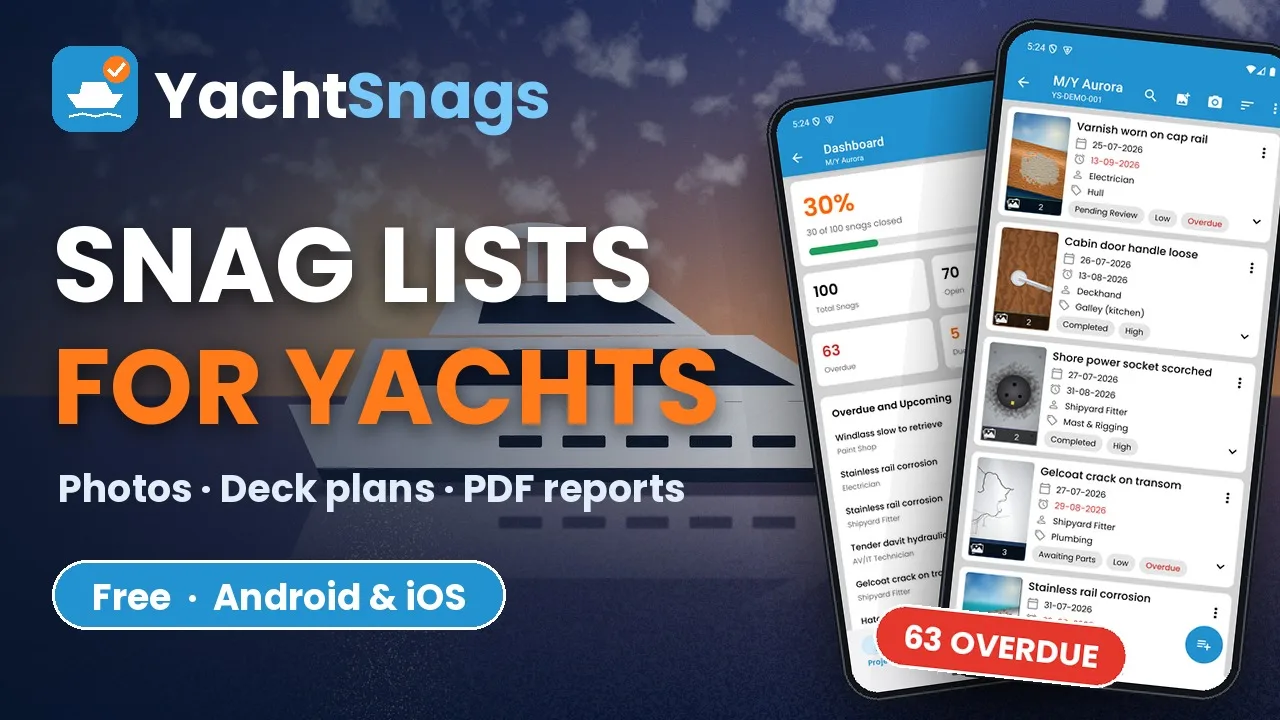
YachtSnags app intro video – play video

More videos on our YouTube channel →

Phone screenshots

YachtSnags on Android phones and iPhone.
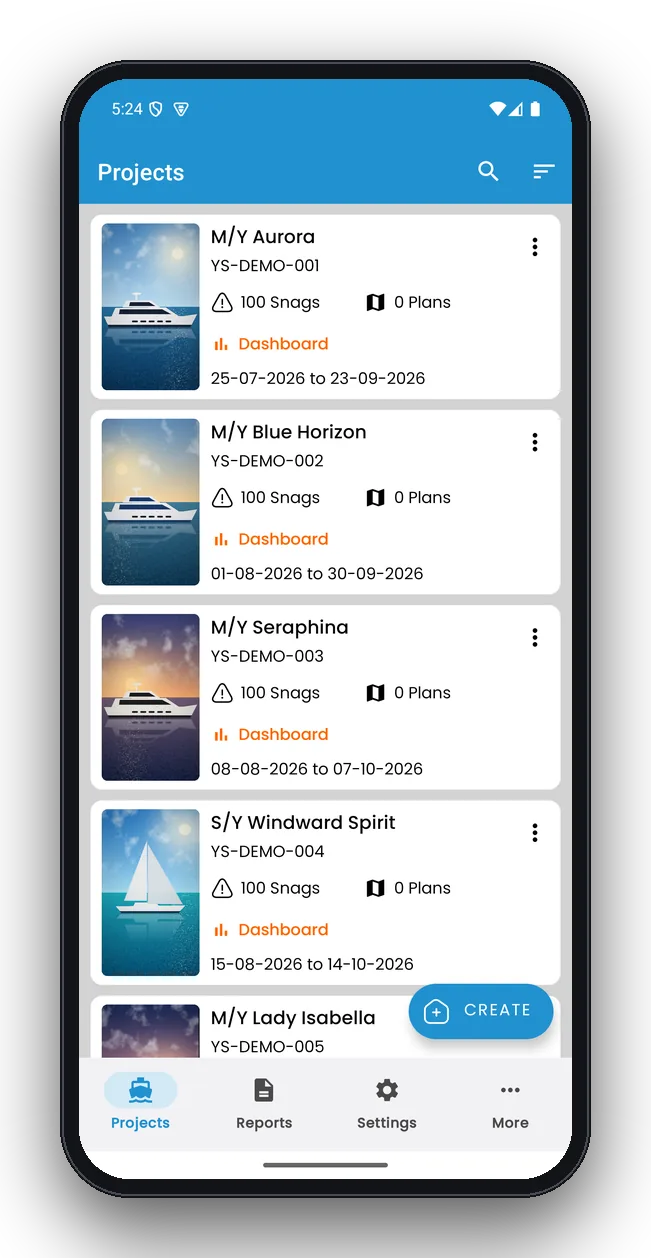
YachtSnags projects screen on a phone: All vessel projects with snag counts
Projects
All vessel projects with snag counts
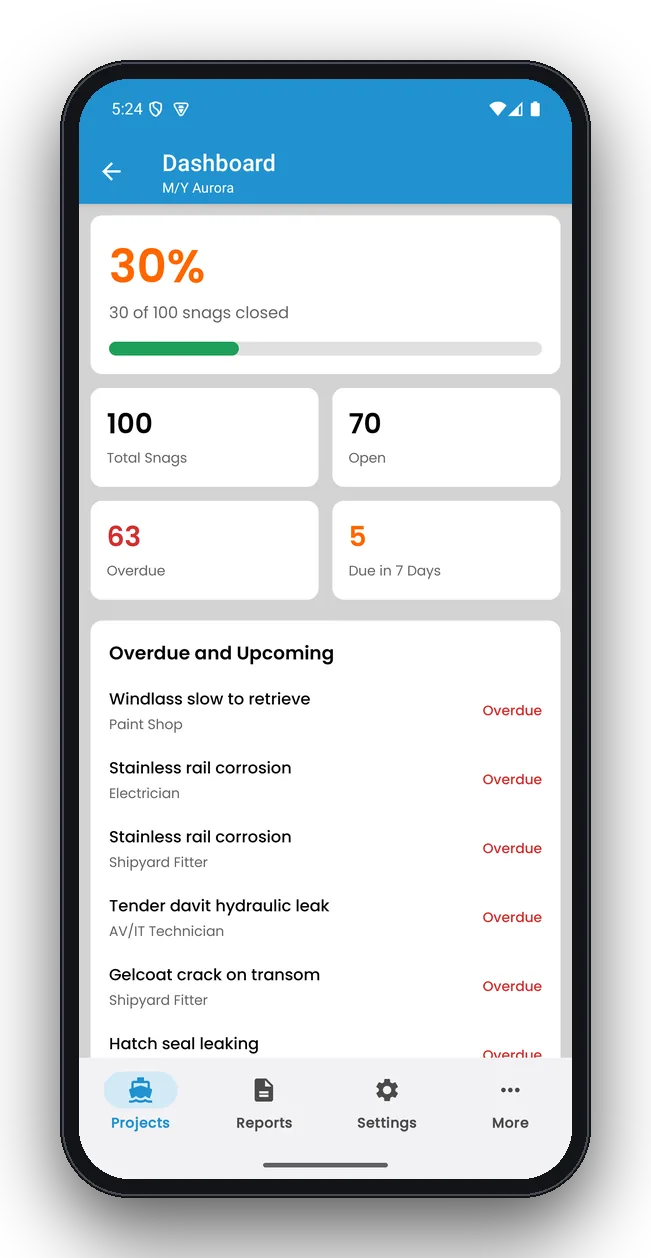
YachtSnags project dashboard screen on a phone: Progress, overdue and upcoming snags
Project dashboard
Progress, overdue and upcoming snags
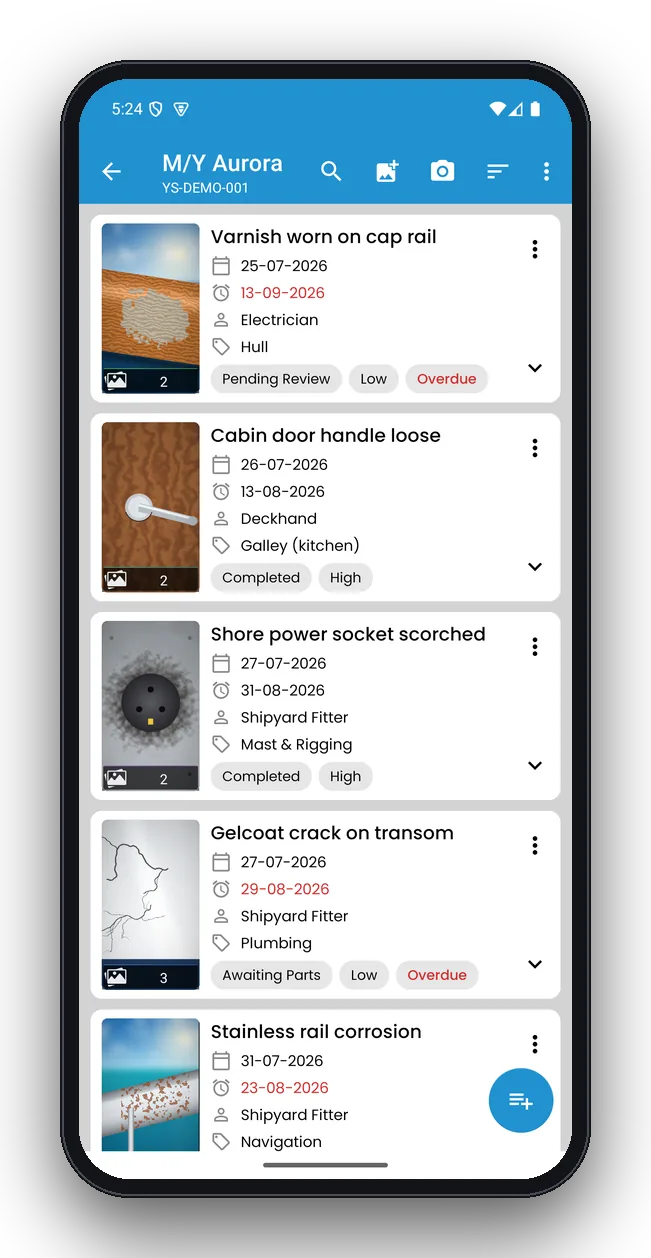
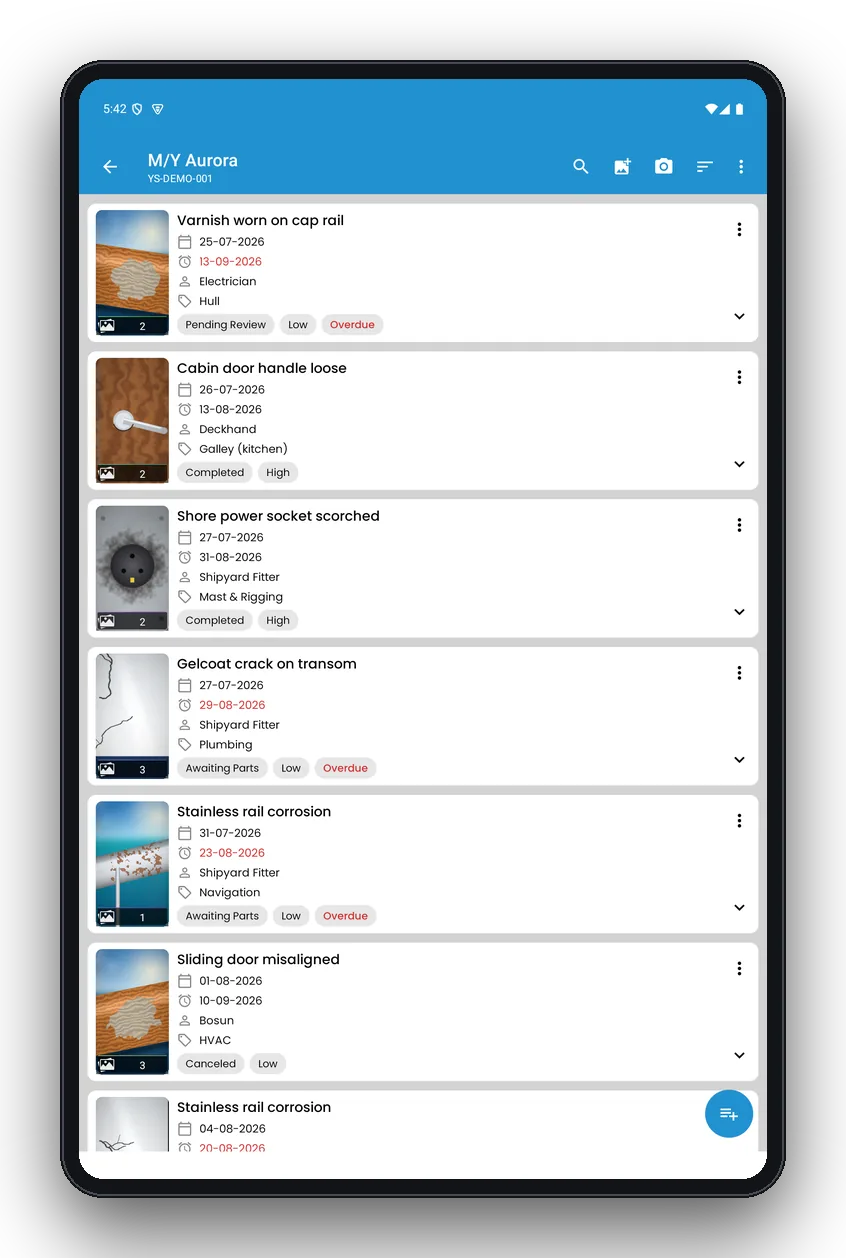
YachtSnags snag list screen on a phone: Snags with photos, trade, priority and status
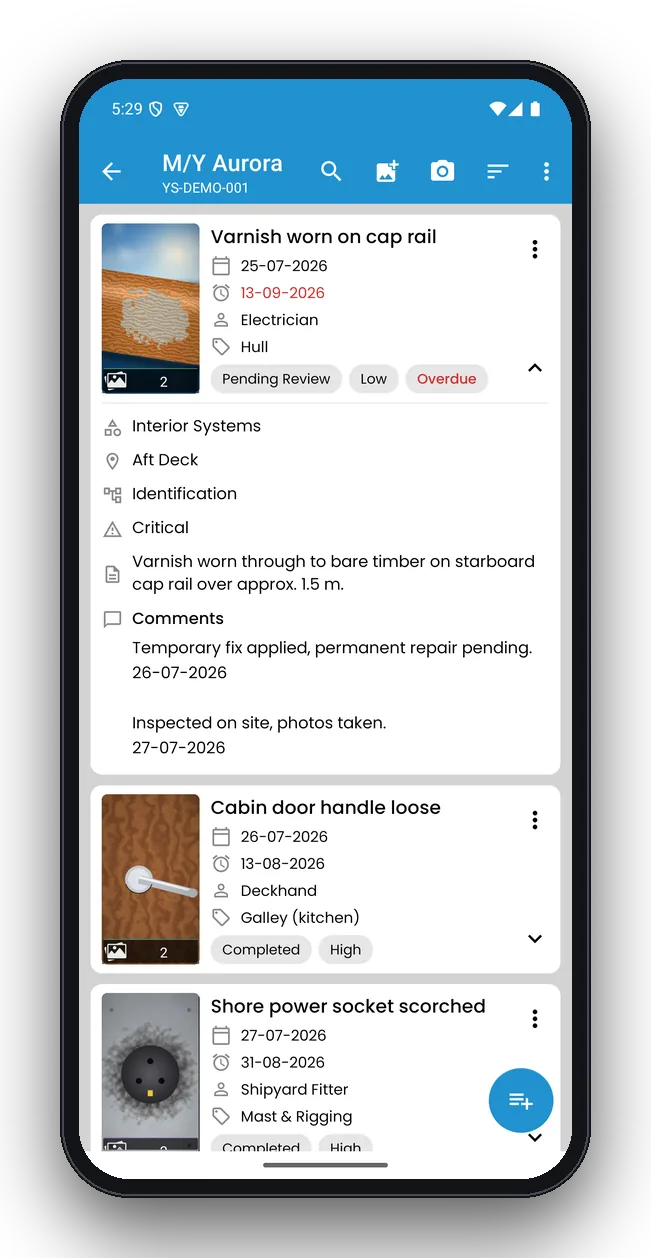
Snag list
Snags with photos, trade, priority and status
YachtSnags snag details screen on a phone: Expanded snag with location, trade and comments
Snag details
Expanded snag with location, trade and comments
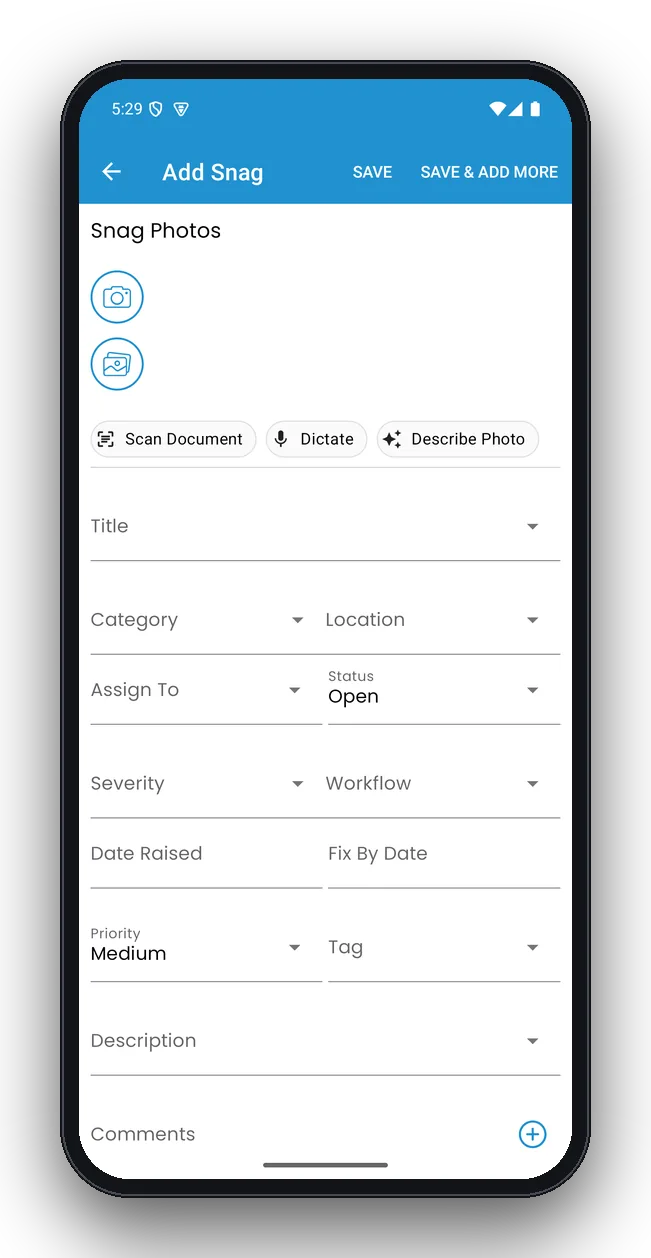
YachtSnags add a snag screen on a phone: Photo, title, location, trade and due date
Add a snag
Photo, title, location, trade and due date
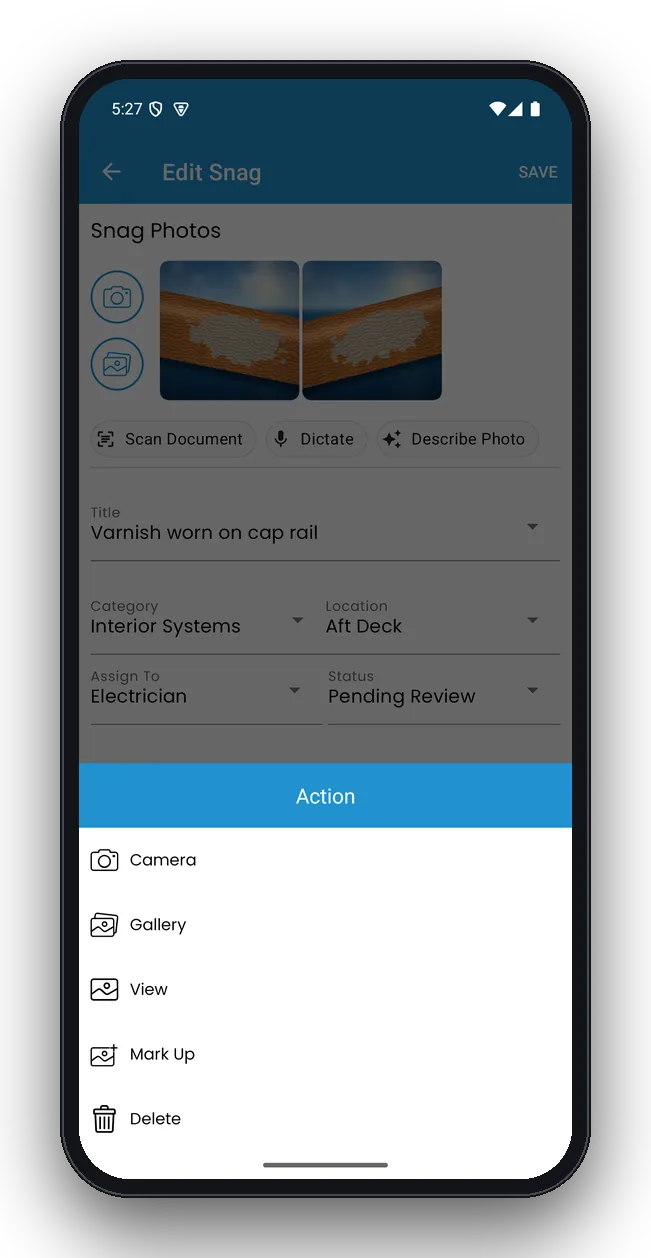
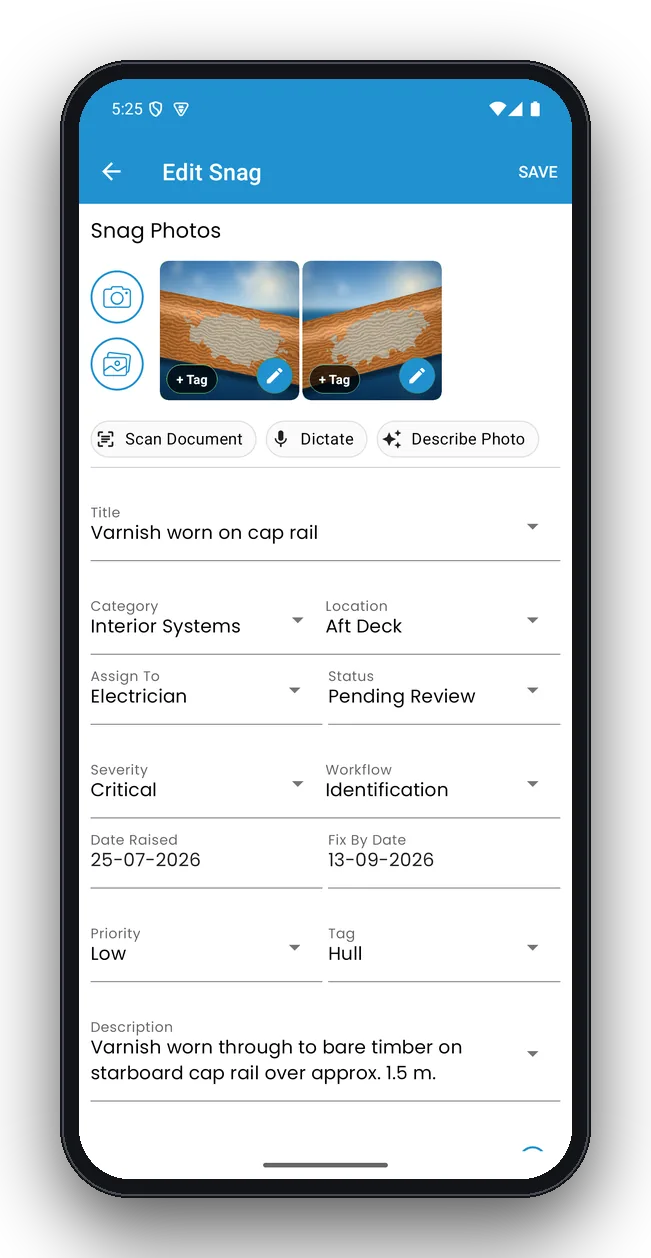
YachtSnags edit snag screen on a phone: All snag fields and photo gallery
Edit snag
All snag fields and photo gallery
YachtSnags photo actions screen on a phone: Mark up, describe with AI, or replace a photo
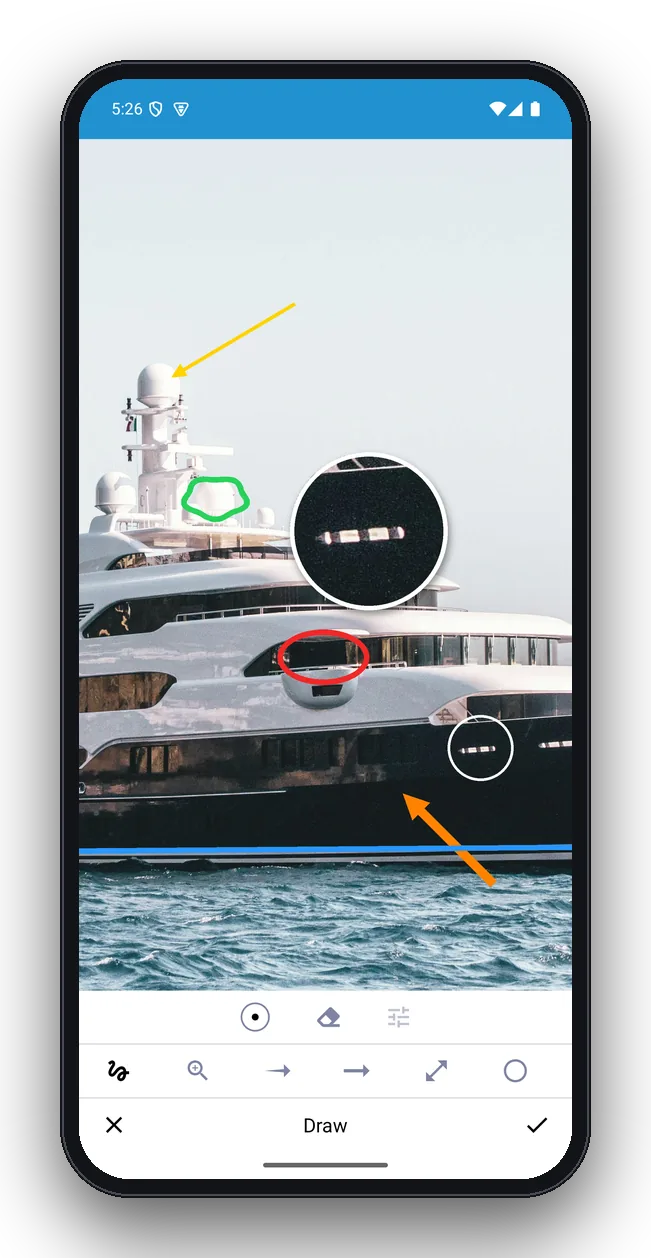
Photo actions
Mark up, describe with AI, or replace a photo
YachtSnags photo mark-up screen on a phone: Circle, arrows and zoom loupe on a yacht photo
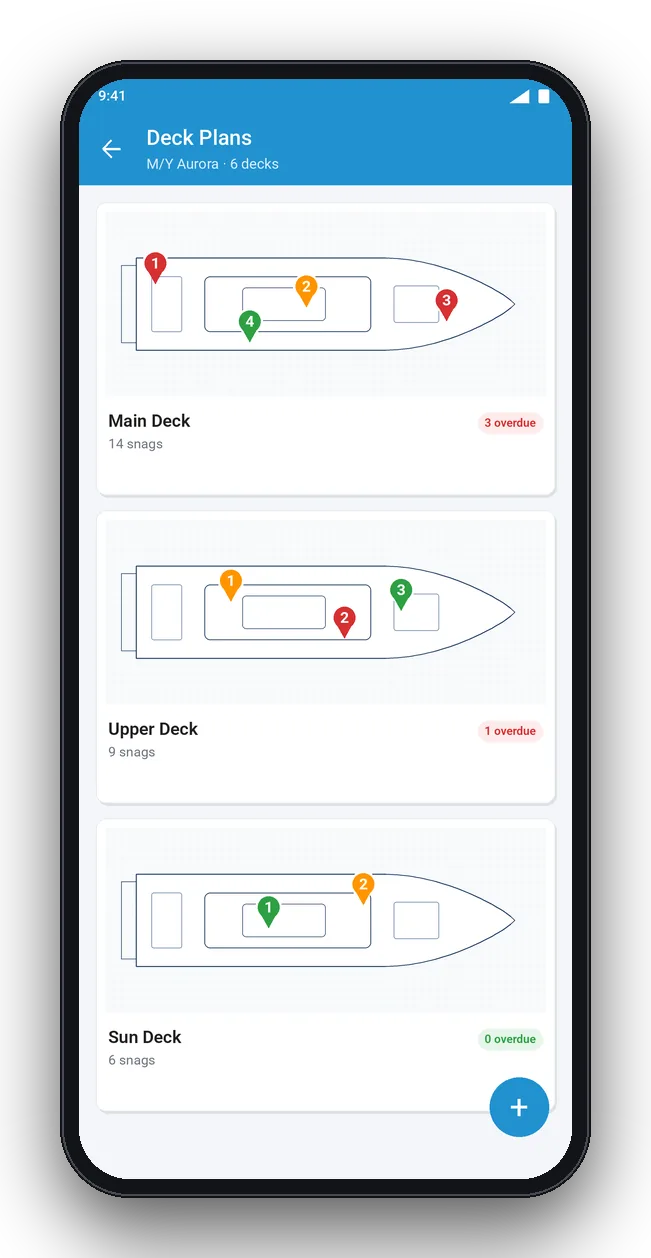
Photo mark-up
Circle, arrows and zoom loupe on a yacht photo
YachtSnags deck plans screen on a phone: Decks with numbered snag pins
Deck plans
Decks with numbered snag pins
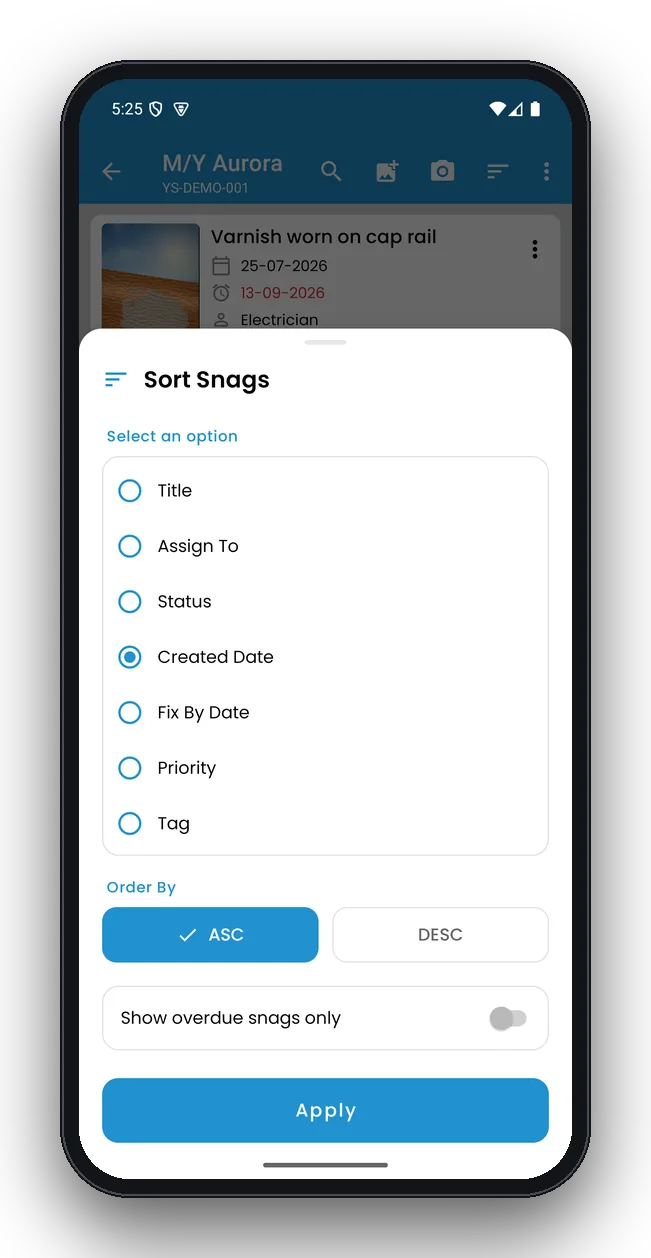
YachtSnags sort & filter screen on a phone: Sort by status, priority, trade or due date
Sort & filter
Sort by status, priority, trade or due date
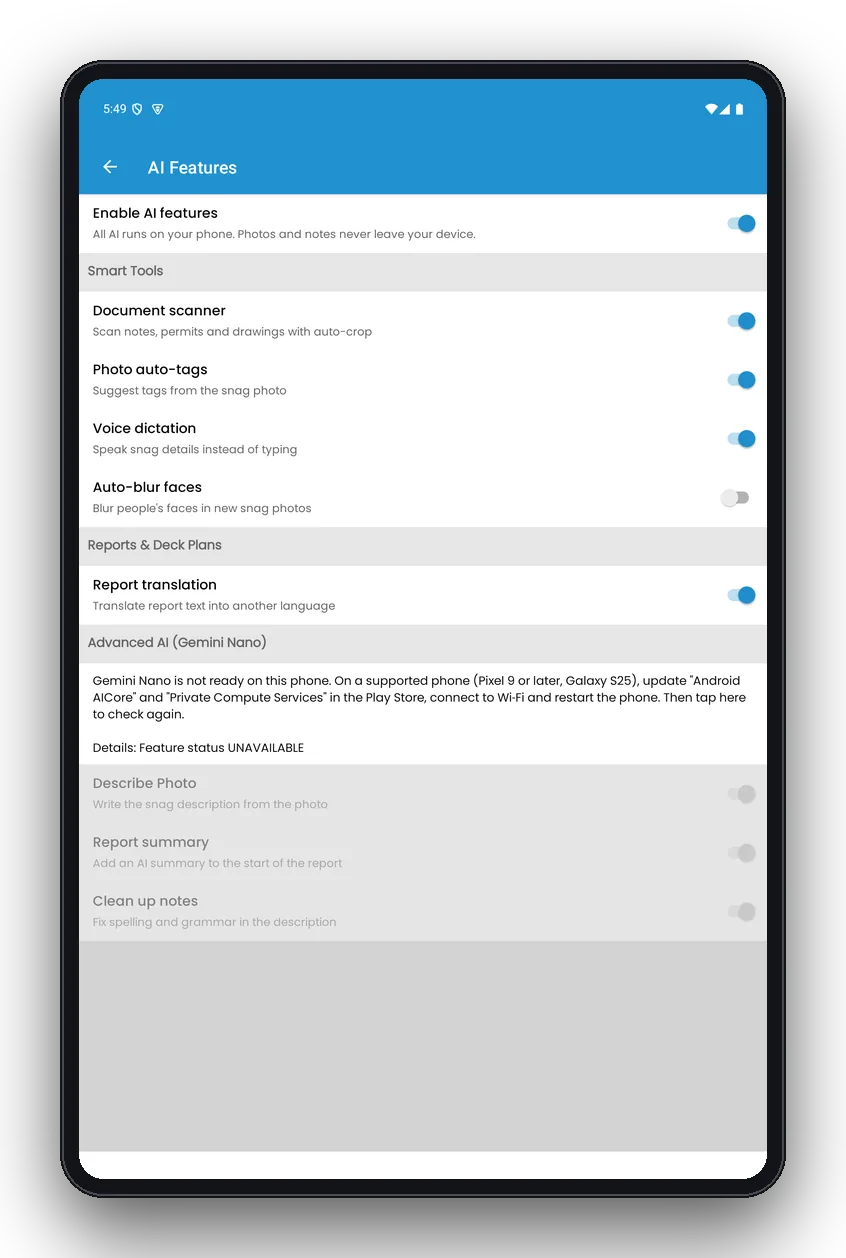
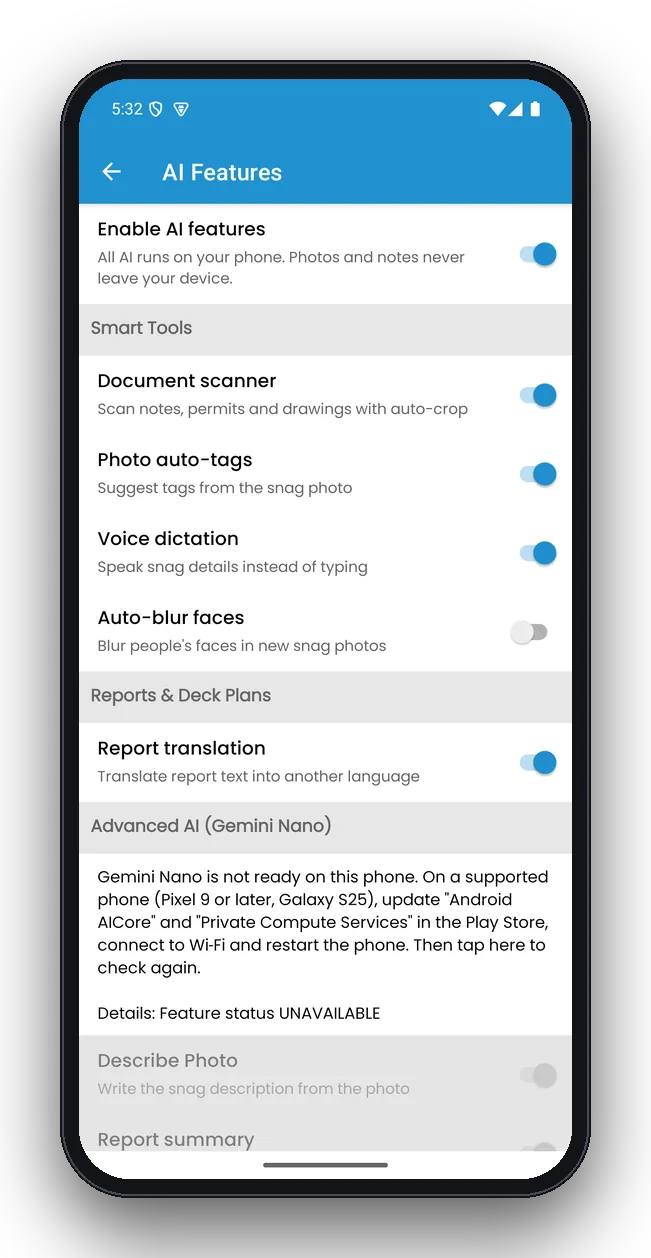
YachtSnags ai features screen on a phone: On-device AI tools and Gemini Nano
AI features
On-device AI tools and Gemini Nano
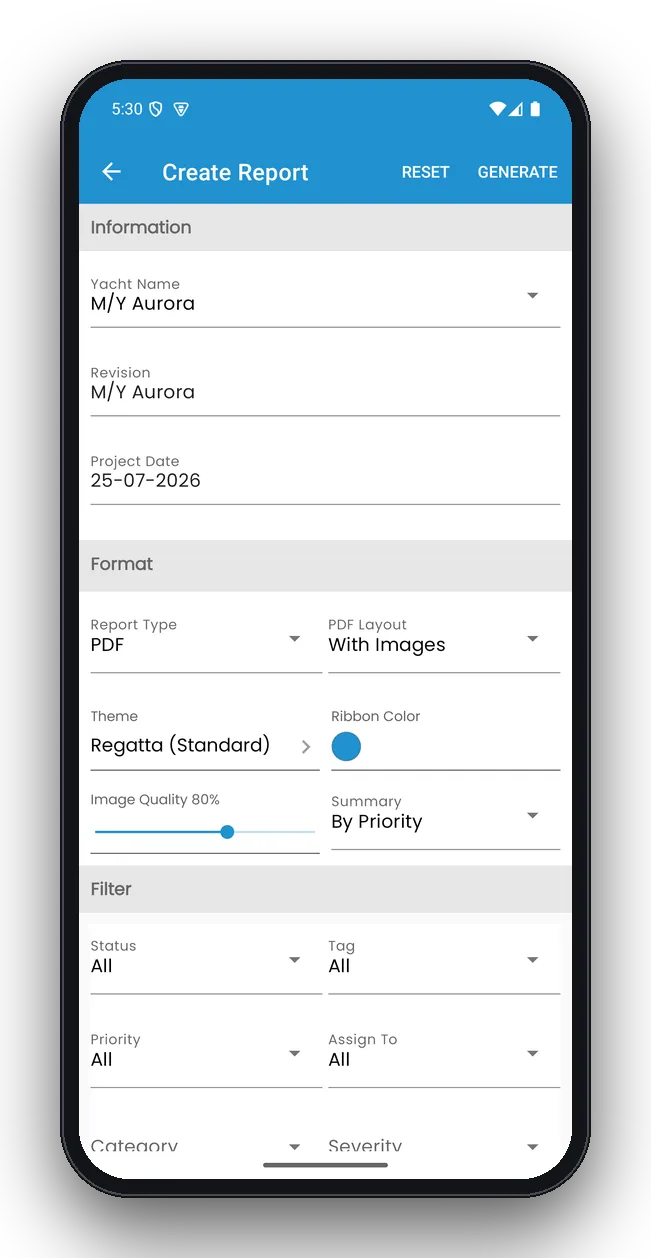
YachtSnags report options screen on a phone: Choose what goes into the PDF
Report options
Choose what goes into the PDF
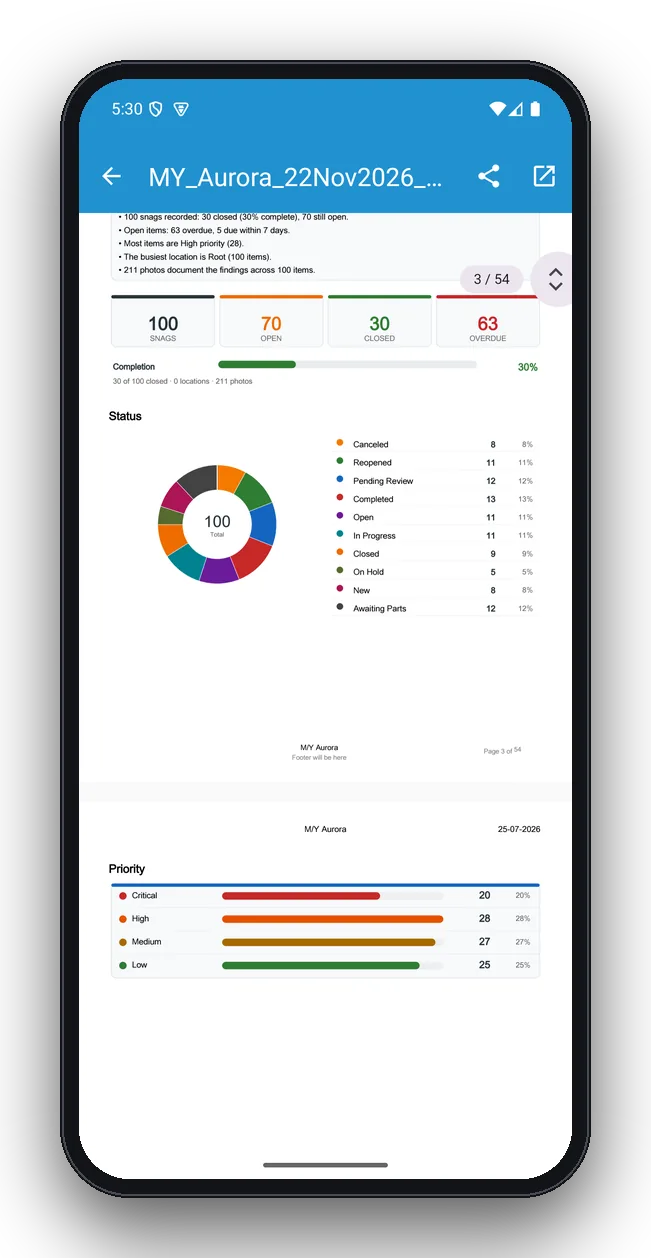
YachtSnags report summary screen on a phone: Key findings, totals and status chart
Report summary
Key findings, totals and status chart
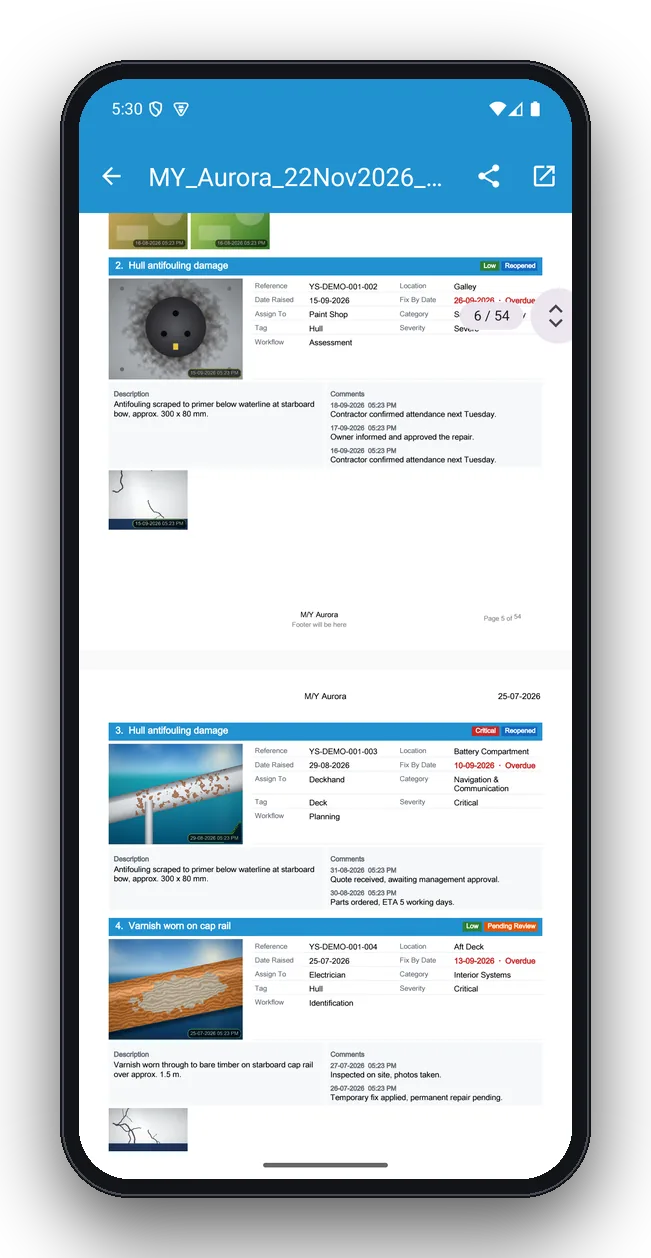
YachtSnags report snag pages screen on a phone: Every snag with photos and details
Report snag pages
Every snag with photos and details

Tablet screenshots

YachtSnags on Android tablets and iPad.
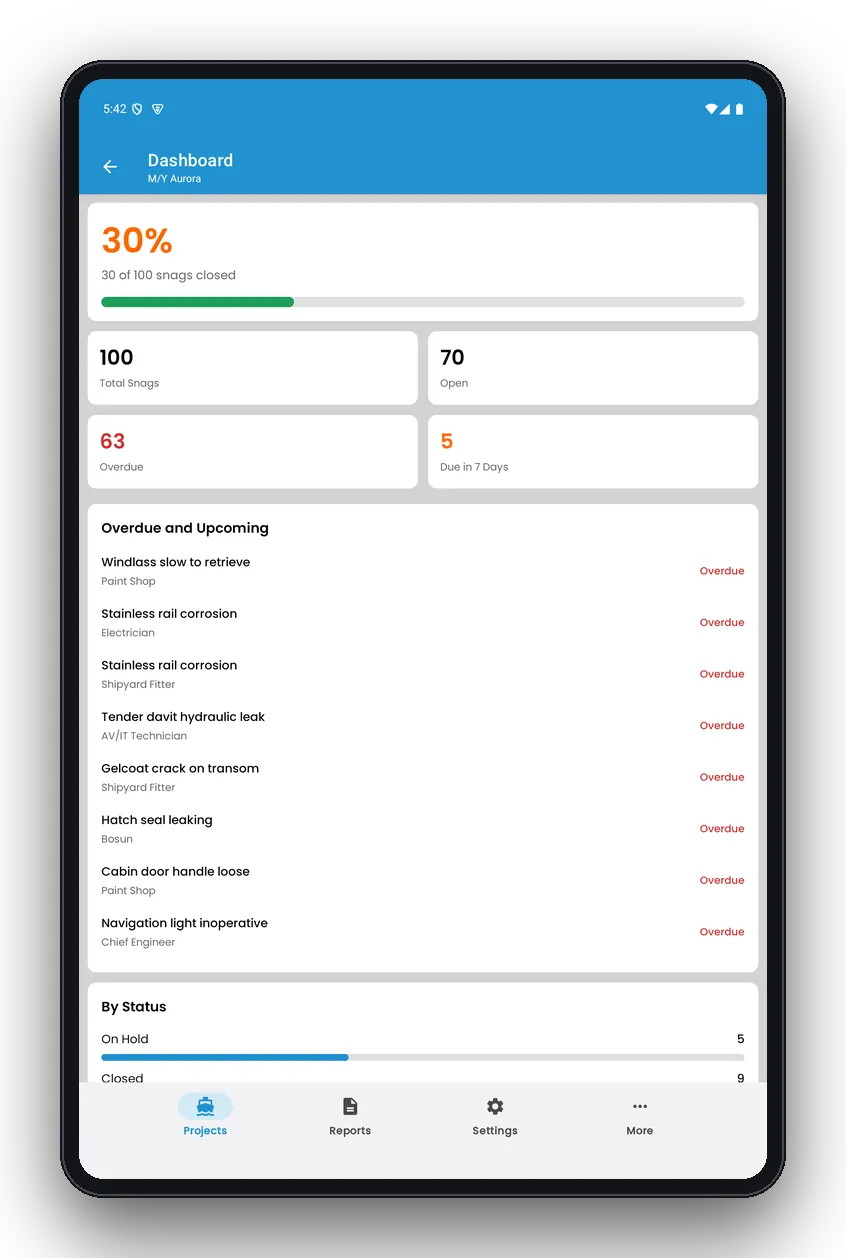
YachtSnags dashboard on tablet: Project progress and charts on a tablet
Dashboard on tablet
Project progress and charts on a tablet
YachtSnags snags on tablet: List and details side by side
Snags on tablet
List and details side by side
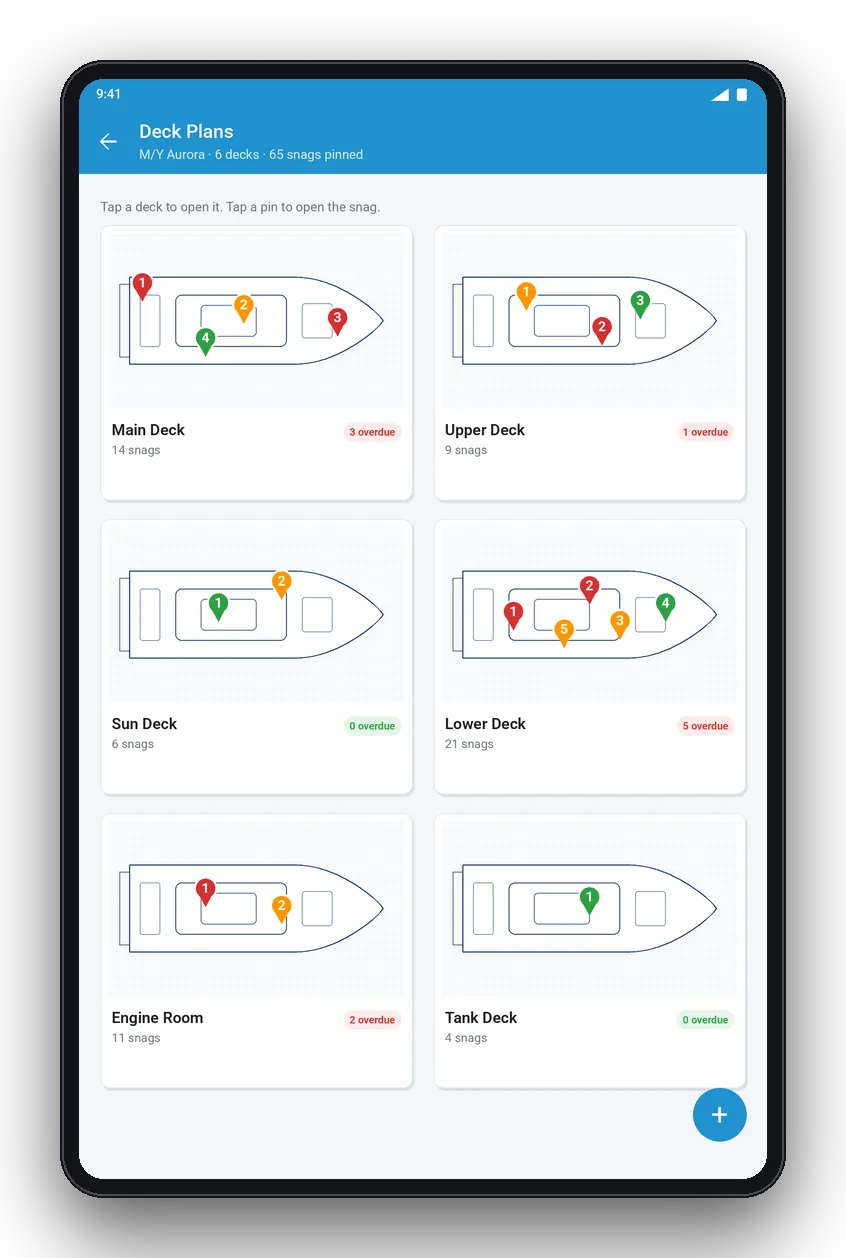
YachtSnags deck plans on tablet: Six decks with colour-coded snag pins
Deck plans on tablet
Six decks with colour-coded snag pins
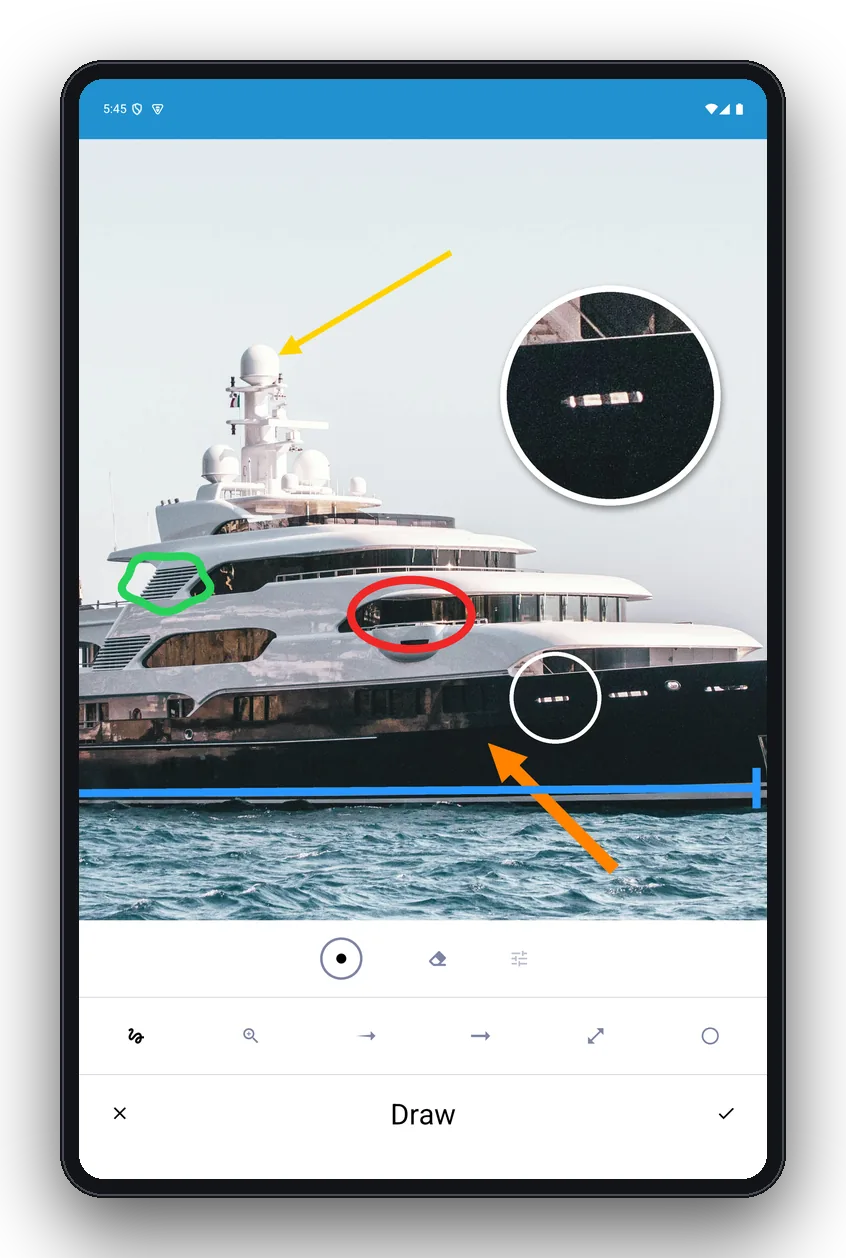
YachtSnags mark-up on tablet: Full-screen photo mark-up
Mark-up on tablet
Full-screen photo mark-up
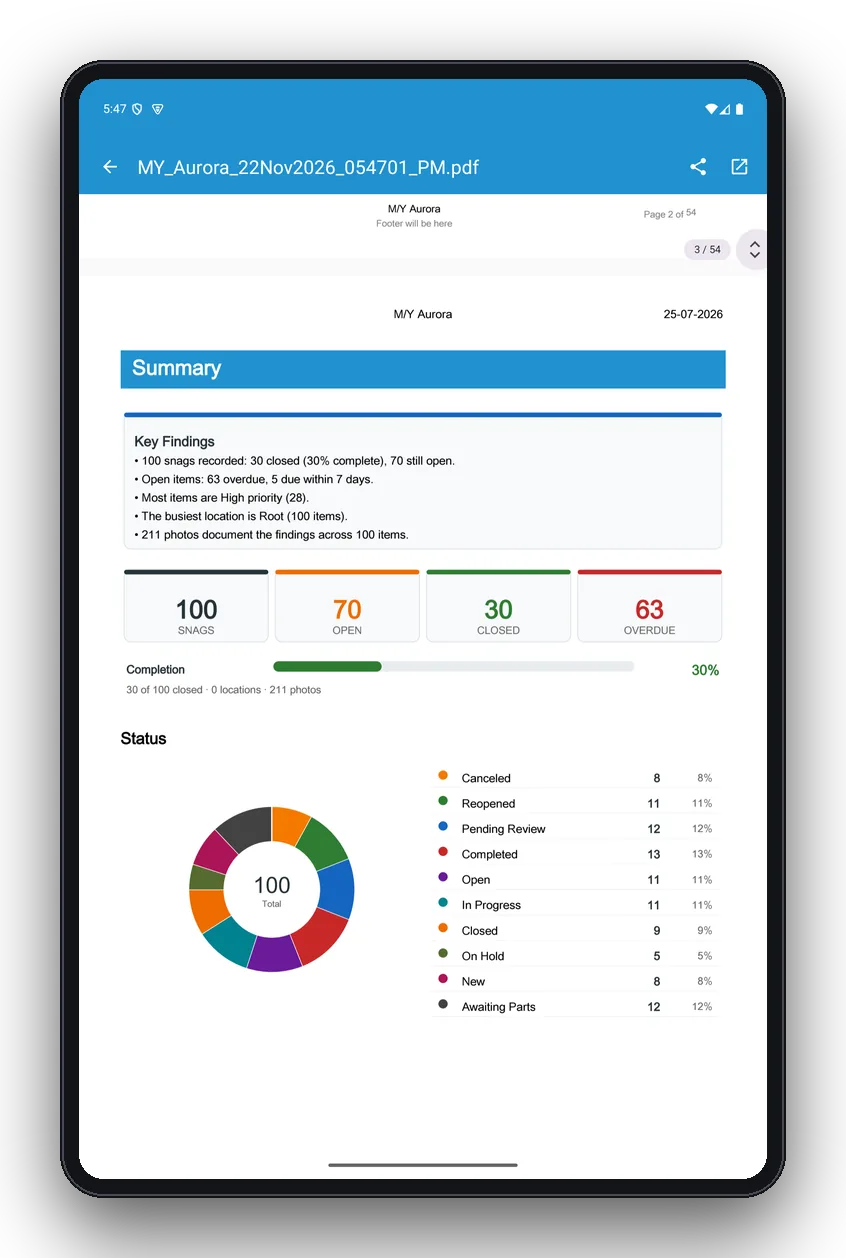
YachtSnags report summary on tablet: Summary, totals and status donut chart
Report summary on tablet
Summary, totals and status donut chart
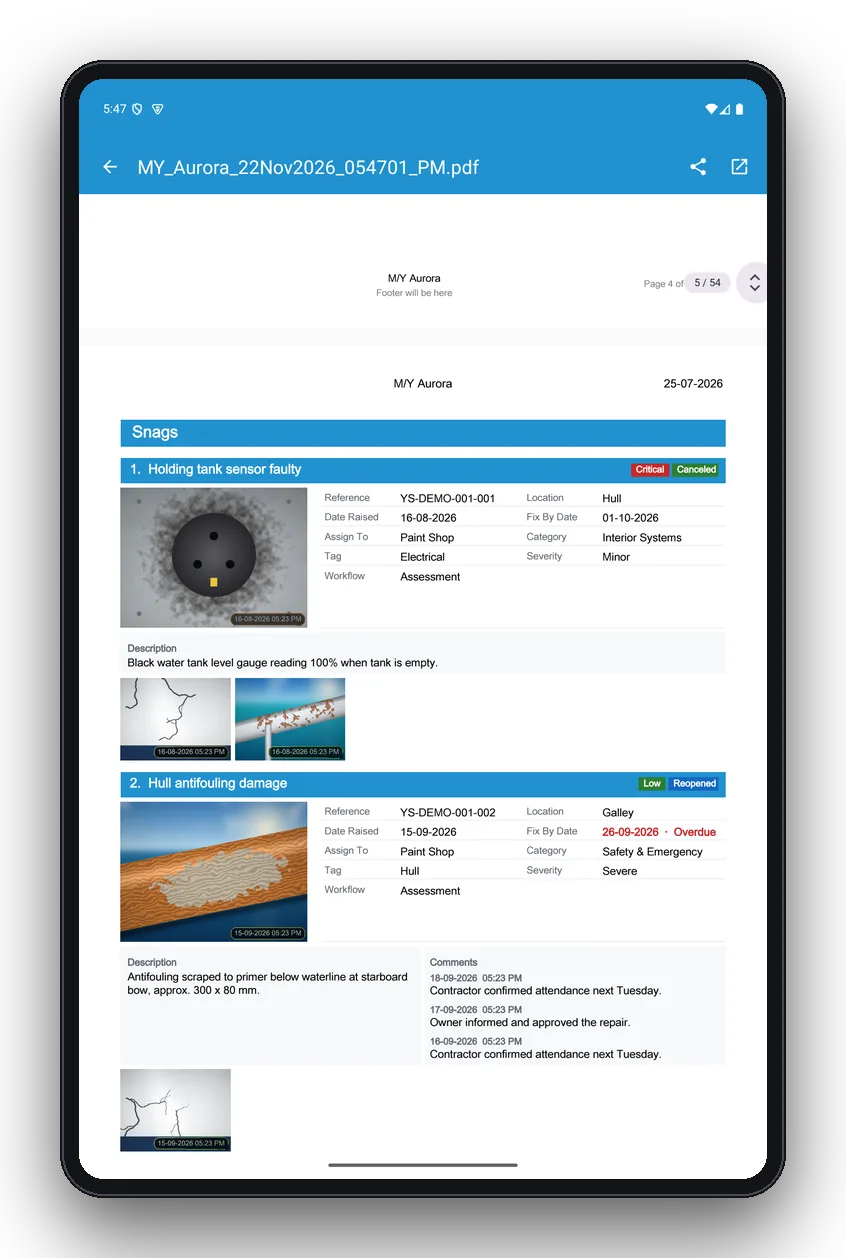
YachtSnags report snag pages on tablet: Snag pages with photos and comments
Report snag pages on tablet
Snag pages with photos and comments
YachtSnags ai settings on tablet: On-device AI tools
AI settings on tablet
On-device AI tools

Start your next inspection in minutes

Free to download on Android and iOS. Works offline on phones and tablets.